Practice Your Math Facts
Reading & MCAS Practice

Mrs. Farrissey's class
|

Mrs. Katz's class
|

Ms. Pecararo's class
|
After your work has been checked, choose a game from one of the websites below.

|

|

|
Introduction to Coding
|
1. Click the image to sign in to your Scratch account.
2. Customize your favorite activity. 3. Add it to the studio for other 3rd graders to play. |

|
1. Open the Emoji Paddle activity.
2. Sign in to Scratch.
3. Click "remix".
4. Follow the steps below to program this bouncing ball game.
2. Sign in to Scratch.
3. Click "remix".
4. Follow the steps below to program this bouncing ball game.
1. Open "It's Raining Tacos" activity.
2. Sign in to Scratch.
3. Click "remix".
4. Follow the steps below to program this catching game.
2. Sign in to Scratch.
3. Click "remix".
4. Follow the steps below to program this catching game.
1. Open the Maze Activity.
2. Sign in to your Scratch account.
3. Click "remix".
4. Work through the slides to complete the activity.
2. Sign in to your Scratch account.
3. Click "remix".
4. Work through the slides to complete the activity.
What is a Computer?
A computer is a machine that inputs (puts in) data, processes it and outputs (puts out) the information.
1. Quick, Draw! Use the mouse to input information. Listen to the sound to hear the output.
2. Scroobly. Use the webcam to input information. Watch the monitor to see the output.
2. Scroobly. Use the webcam to input information. Watch the monitor to see the output.
MCAS Practice: Fiction
MCAS Practice: Nonfiction
|
|
MCAS Practice: Narrative Writing
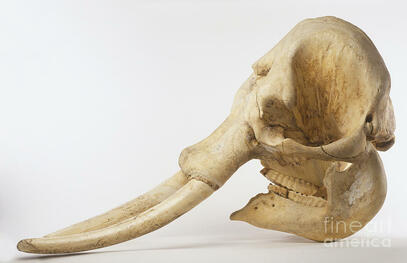
Use the picture to write an engaging, 5 sentence story for your classmates.
